
Moving from Lightspeed X-Series
Connect Lightspeed X-Series and check what ASP can import.
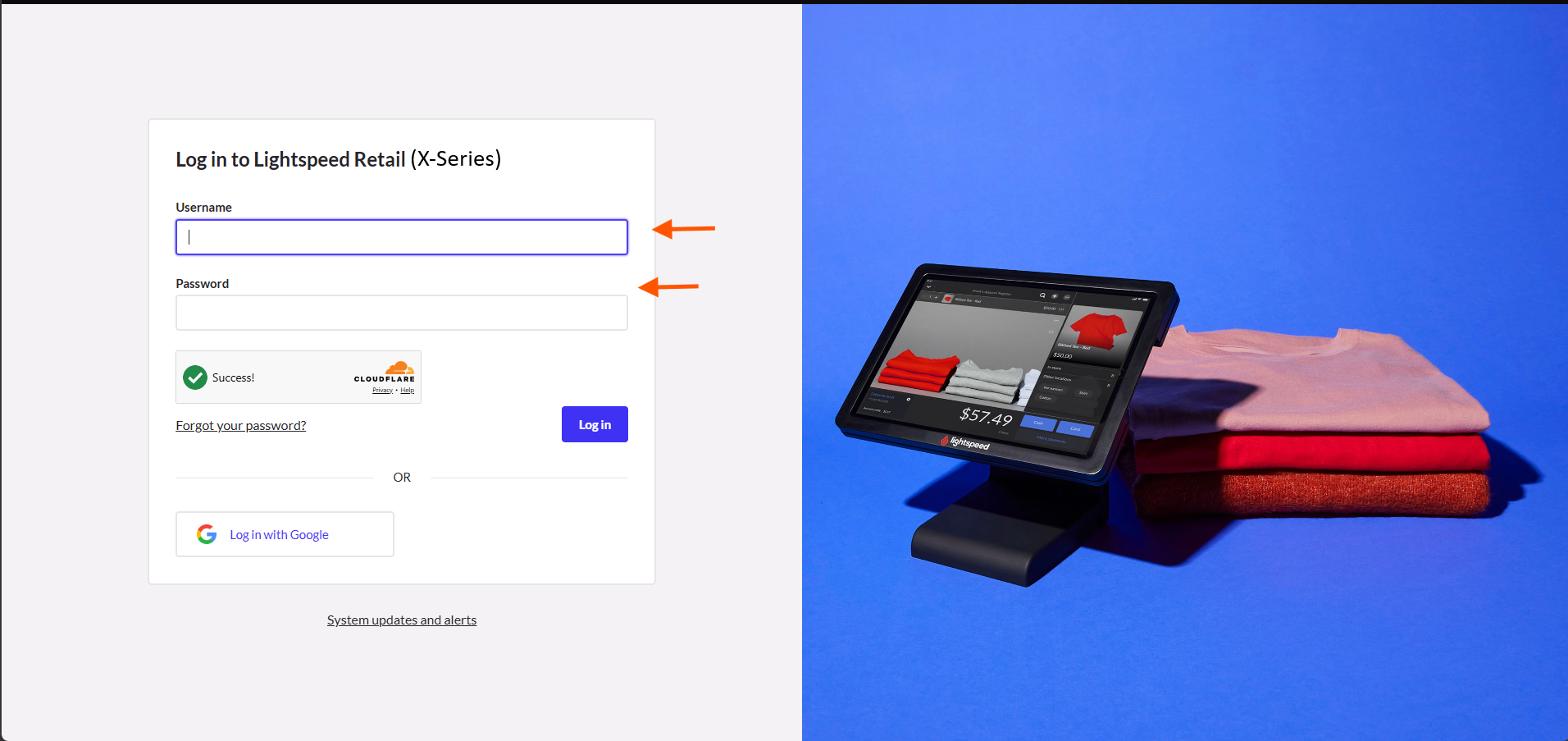
The sign-in screenshot shows X-Series. Other screenshots show the same ASP steps using an R-Series example.
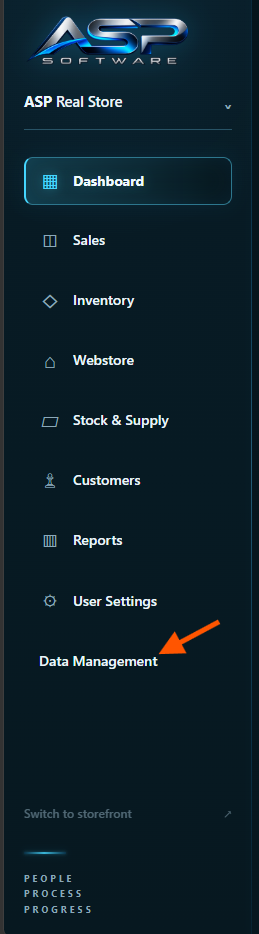
Open Data Management from the ASP sidebar.
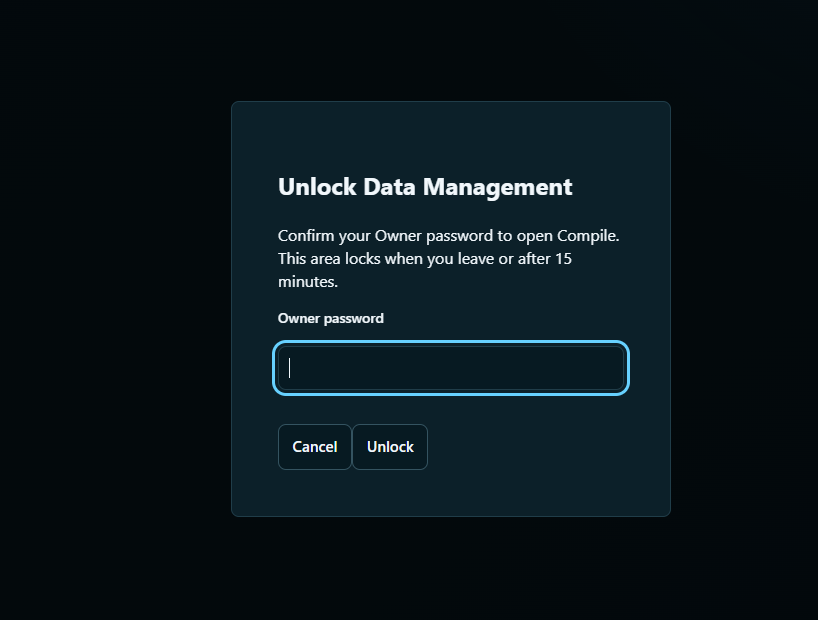
Enter your ASP owner password and click Unlock.
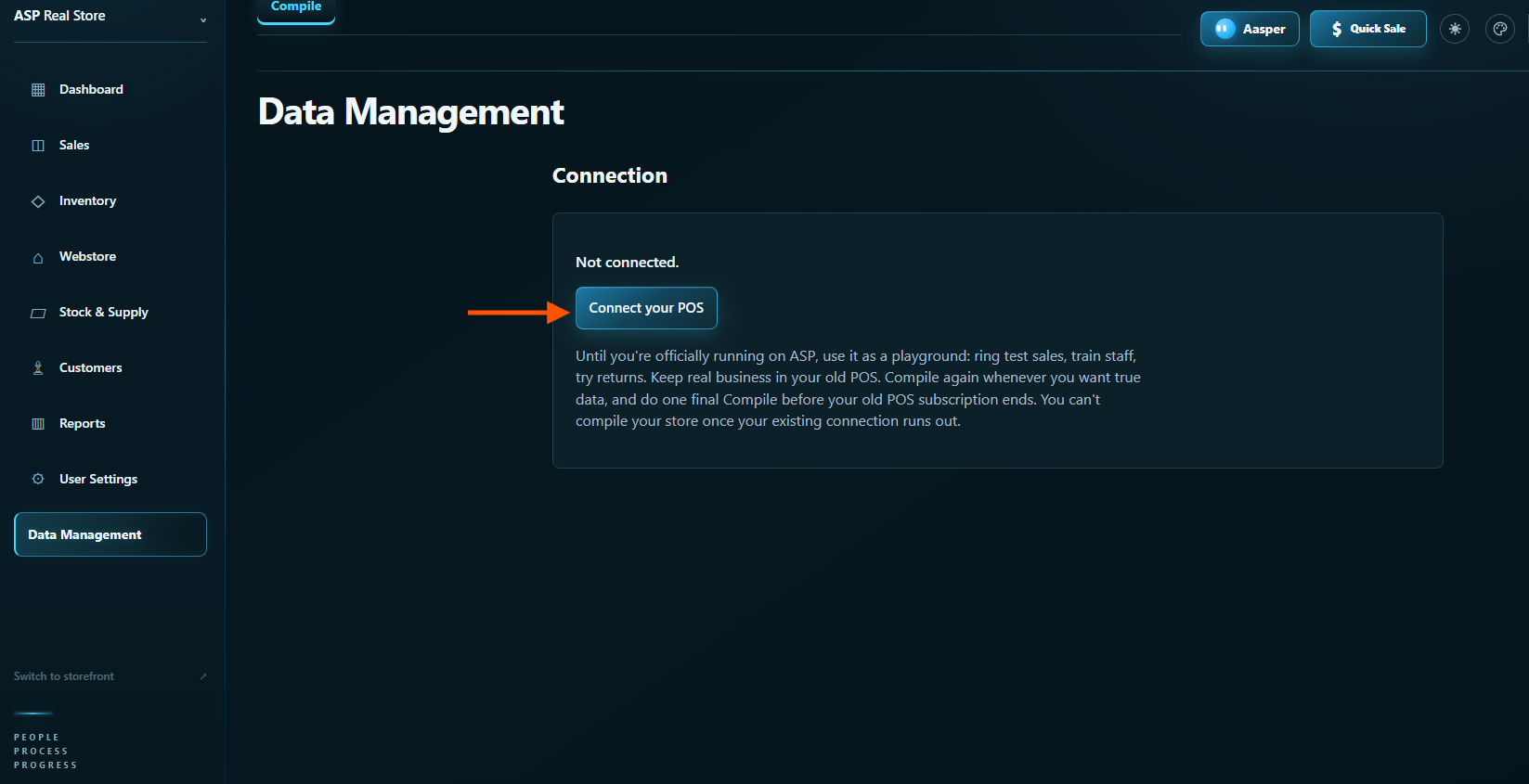
Click Connect your POS.
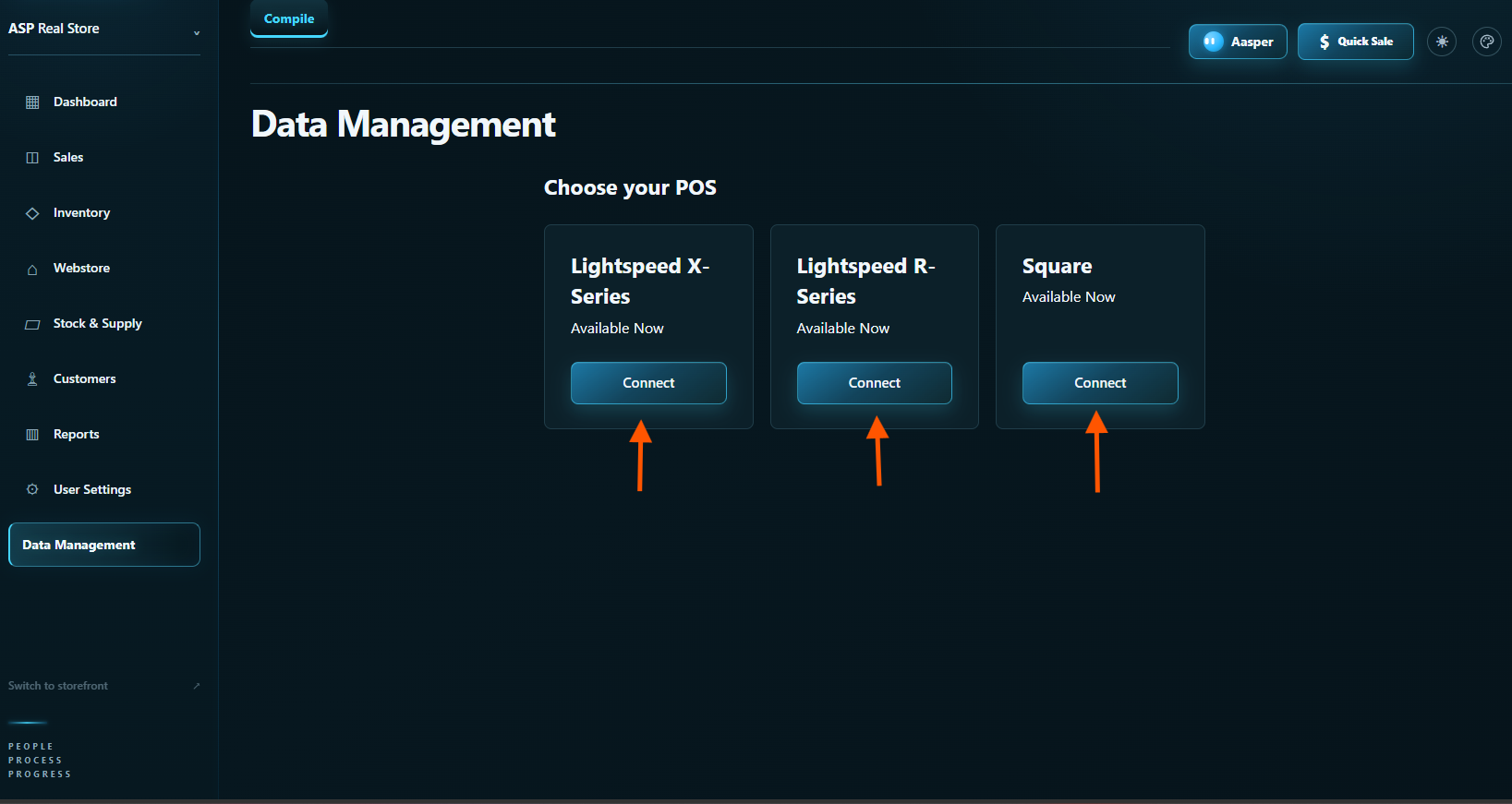
Click Connect under Lightspeed X-Series.
Sign in to your Lightspeed X-Series store.
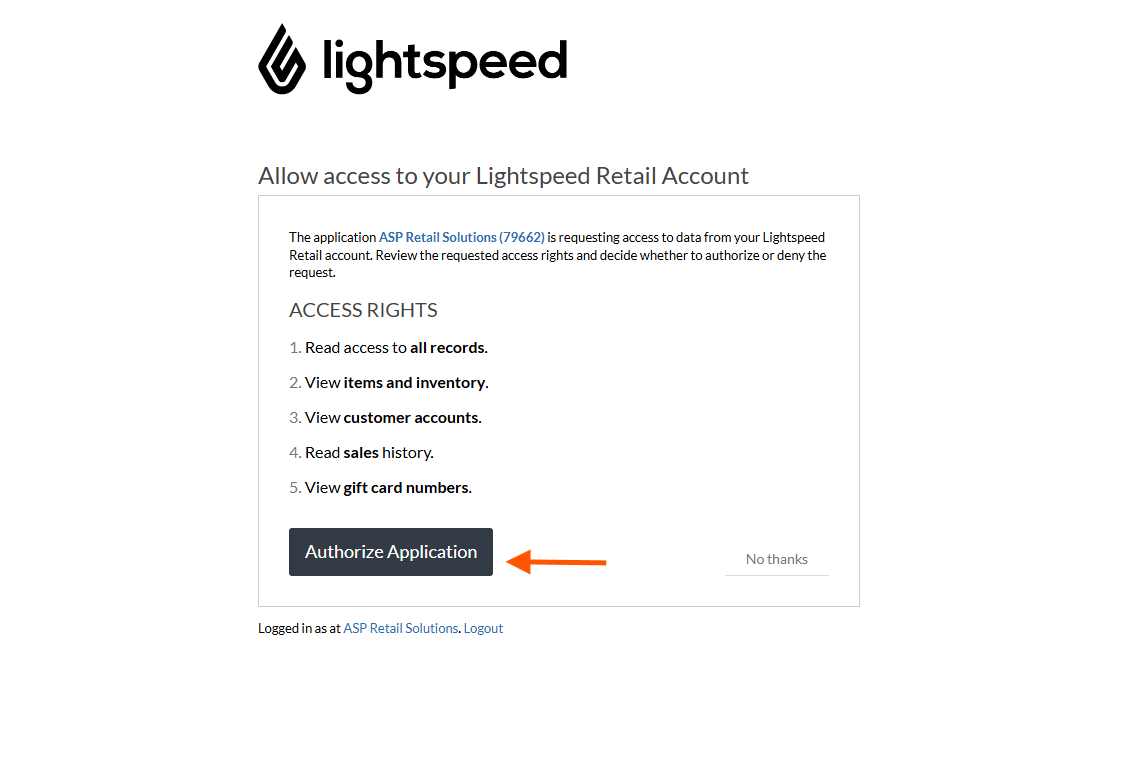
Review the requested permissions and approve access in Lightspeed. The example below shows the R-Series approval screen.
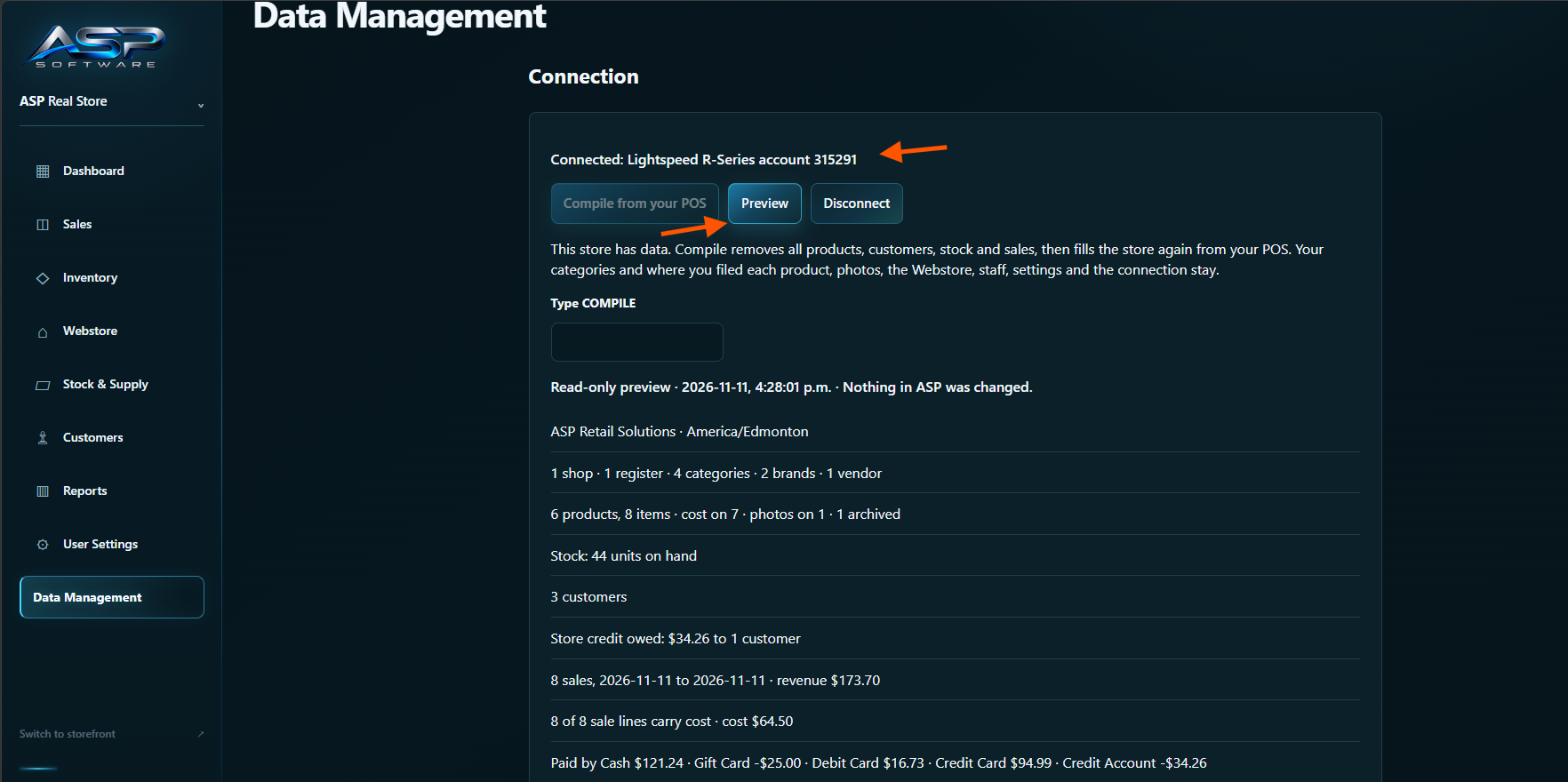
Back in ASP, check that the right account is connected. Click Preview and review what ASP found. Preview leaves your ASP data untouched.
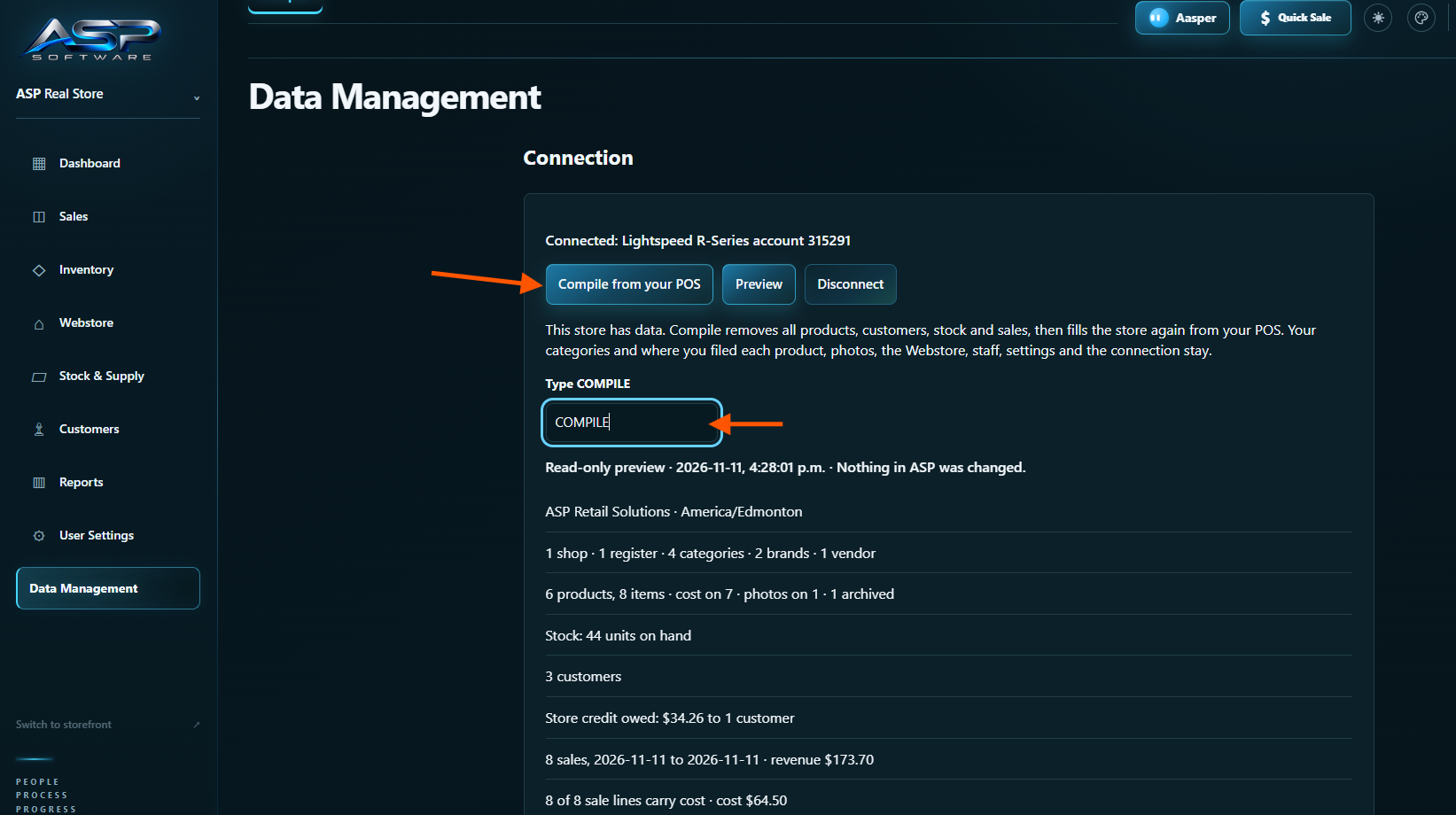
Use Compile from your POS for your first import or any later import. If you’re getting familiar with ASP while still selling on your current POS, run Compile again when you’re ready to bring your ASP records up to date.
If your ASP store is empty, click Compile from your POS to import your records.
If your ASP store already has data, review the warning, type COMPILE in the box, then click Compile from your POS. ASP removes its existing products, customers, stock and sales history first, then imports fresh records from your POS.
ASP keeps your setup. Your staff logins and permissions, Webstore and storefront template changes, inventory categories and product family assignments, and uploaded product photos carry forward. You can set up your store while you’re learning ASP and keep that work when you import again.
Keep Data Management open while ASP shows the import progress.
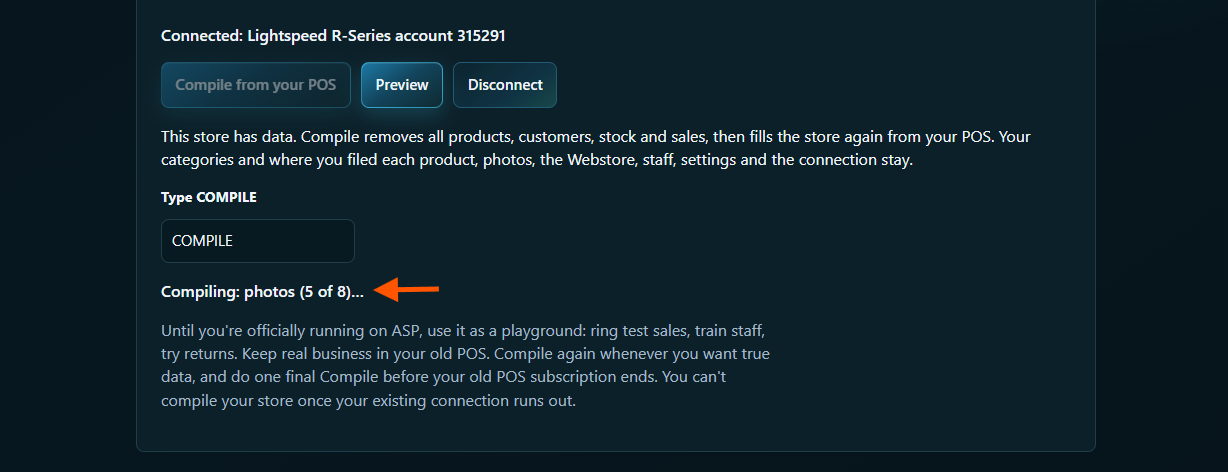
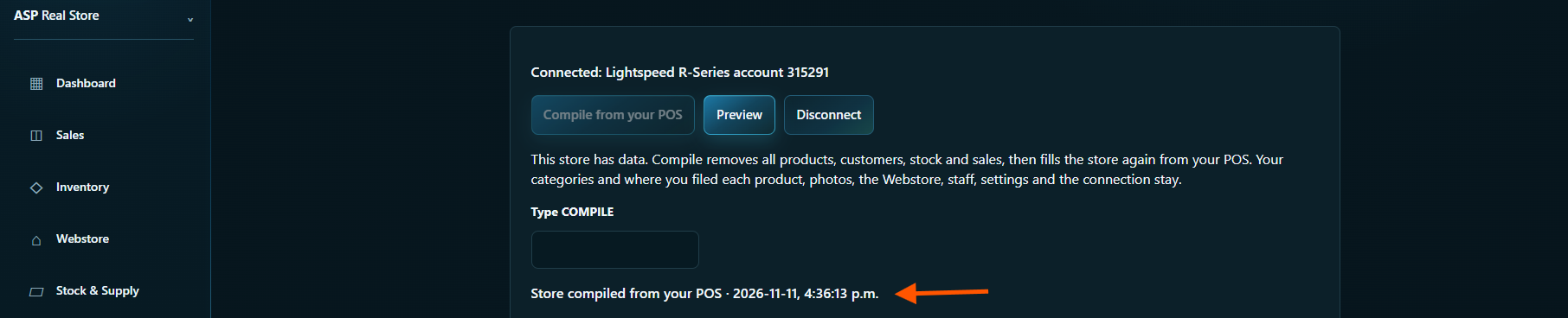
Wait for Store compiled from your POS. That message confirms the import finished.
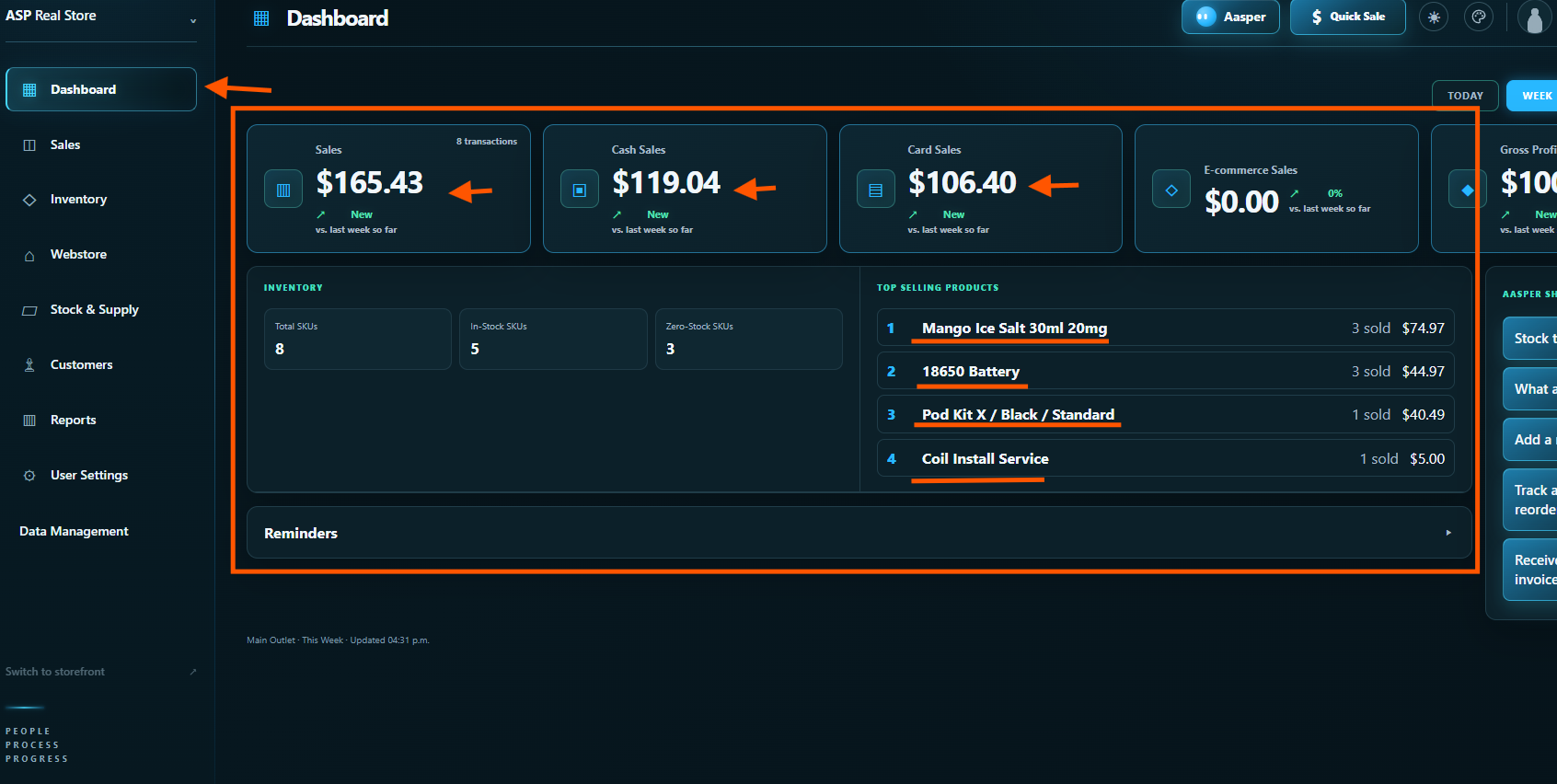
Open Dashboard for a first look at your imported sales and inventory. Check your import before selling.
What ASP imports
- Categories, brands and suppliers
- Products and variants, with their SKUs, barcodes, prices and available costs
- Stock at each location
- Customers, with their loyalty balances and store credit
- Your sales history, sale by sale
If the import stops, see Before you import.