
Start your trial and sign in
Sign up on asp-software.ca, choose your password, and sign in to ASP.
- On Pricing, pick your plan and click to start your trial.
- Enter your name and your store name, agree to the terms, then click Continue to payment.
- Add your card through Stripe to start your free 14-day trial (nothing is charged today). After 14 days, your plan renews monthly until you cancel.
- Once your store is ready, enter and confirm your password, then click Set my password.
- Click Open ASP and sign in with your email and the password you just chose.
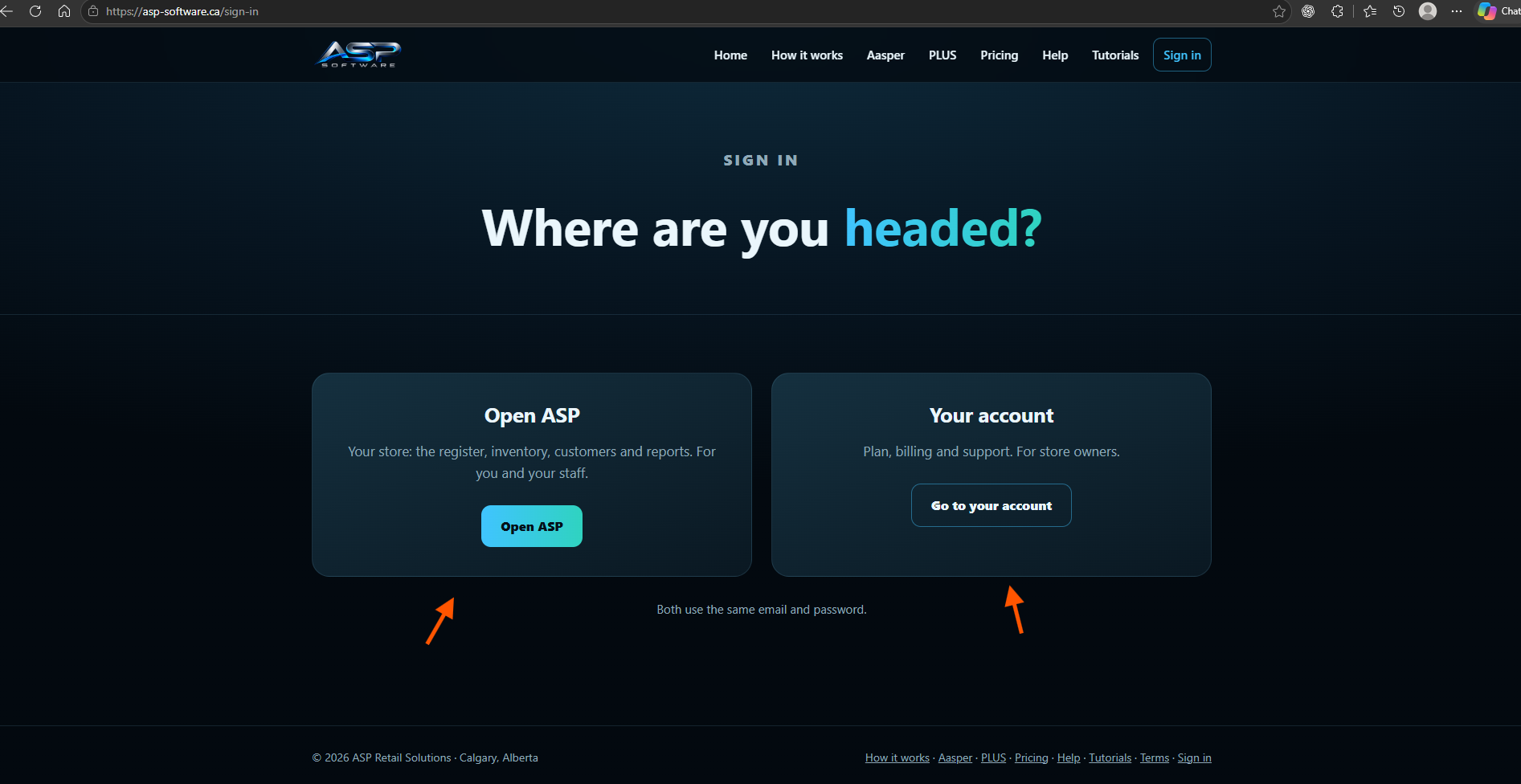
Two places to sign in, one password
- Open your store to use the register, inventory, customers and reports.
- Manage your subscription to view your plan and billing or contact support. This area is for the owner.
Both use the same email and password. Sign in on this site asks which one you want.
Forgot your password?
On the ASP sign-in page, click Forgot your password?, enter your email and click Send reset link. The email comes from [email protected]. Its link works once and expires in an hour. Choose a new password, then sign in with it.